Is my video recorded or uploaded?
No. Tracking runs in your browser, and each frame is replaced by the next. The site's security policy blocks connections to any other server, so the page cannot send video anywhere.
Is this what my body actually looks like inside?
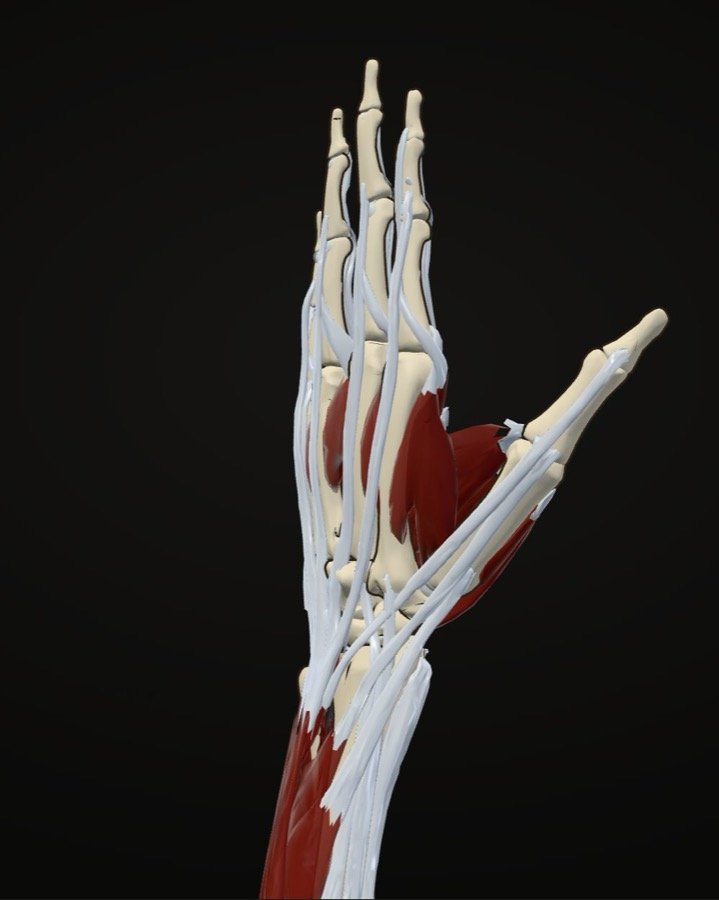
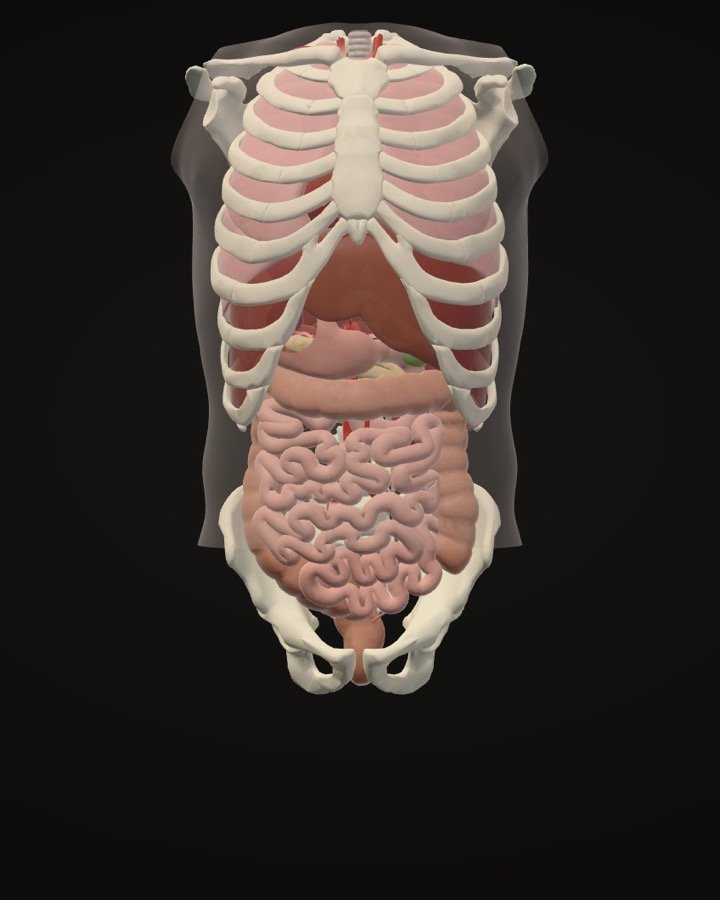
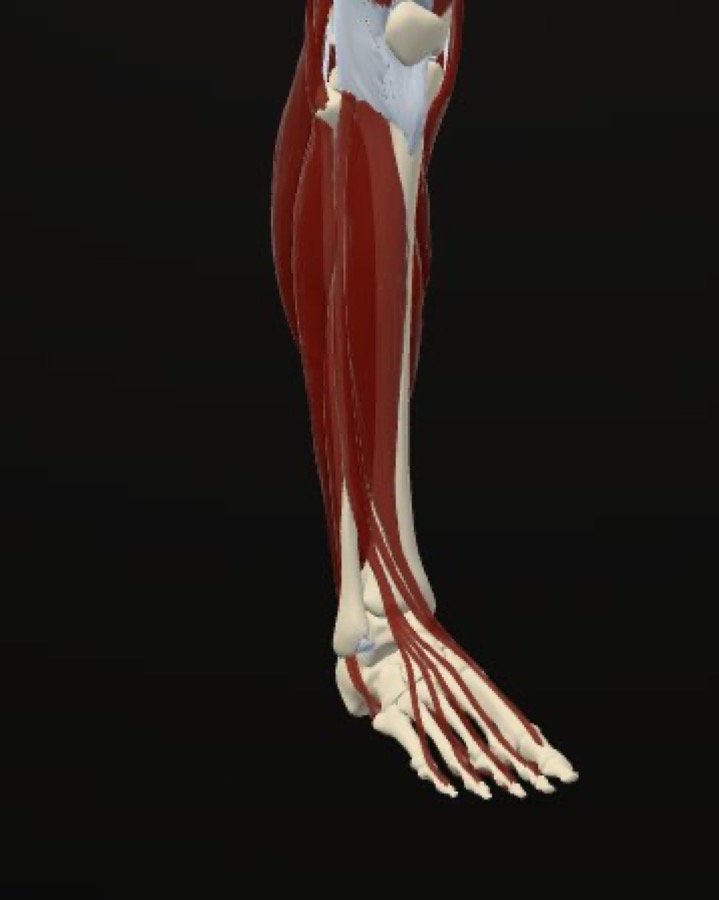
It shows generalized anatomy, fitted to the positions of your joints. It is not medical imaging and cannot show anything about your own body. In the torso, the organs are placed from your shoulders and hips, and breathing and the heartbeat are animated.
Does the head view recognize who I am?
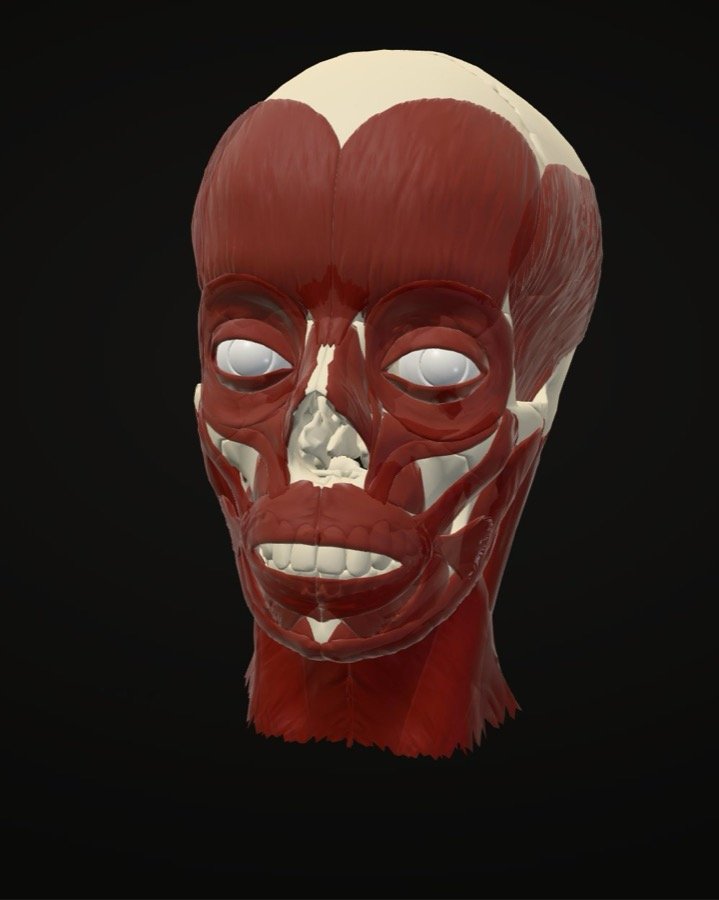
No. It finds the shape and movement of a face to place the skull and muscles, the same way the hand view finds a hand. It does not identify anyone, and nothing is saved.
Does it work on phones and tablets?
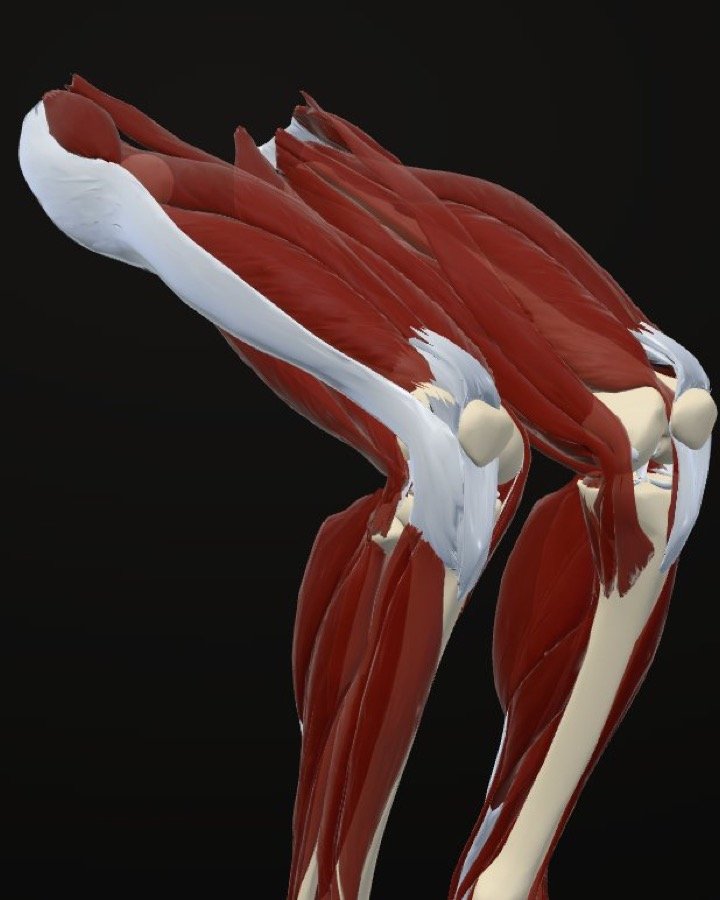
Yes, with a simpler layout: the regions are along the bottom of the screen. For the torso, knee and foot, prop the phone up across the room. It is tested most in desktop Chrome.
What does it download?
About 25 MB the first time you open a region: the tracker and that region's models. A progress bar shows it. Each further region adds 10 to 15 MB, and later visits load from your browser.
Where do the anatomy models come from?
Z-Anatomy, built from the BodyParts3D database, shared under CC BY-SA 4.0.