Knee and leg · stand back from the camera

Bend your knee. Watch the kneecap glide.

The thigh and shin bones, the kneecap, the ligaments that hold them together and the muscles that move them, drawn over both your legs.

Your video stays on your device. Nothing is recorded.
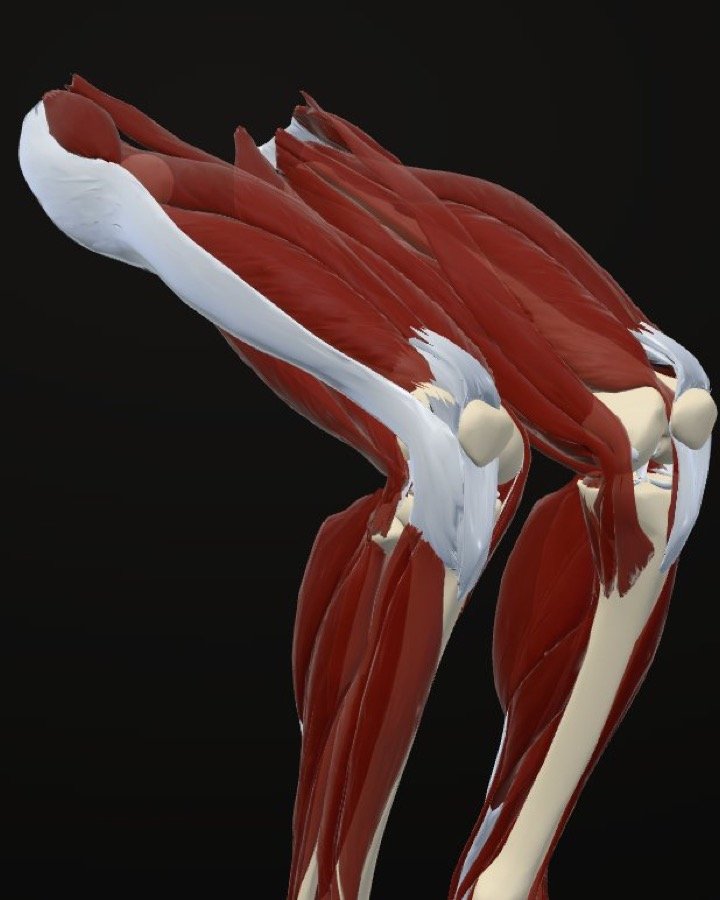
Knee and leg in the app’s demo: thigh and shin bones, and the kneecap, cruciate and side ligaments, and the menisci

What you will see

  • Thigh and shin bones, and the kneecap
  • Cruciate and side ligaments, and the menisci
  • Thigh and calf muscles
  • Arteries and veins of the leg

What the camera follows

Your hip, knee, ankle, heel and toe on each leg. From these it estimates how far each knee bends. The ligaments are posed from that angle, not seen.

How to stand

Put the camera low, near knee height, or stand 2 to 3 m back. More below.

What you need

A webcam you can step back from, or a phone propped up low across the room.

How to stand.

The camera has to see the joints it follows. A minute spent on framing saves a lot of jitter.

2–3 m
  1. Put the camera low, near knee height, or stand 2 to 3 m back.
  2. Turn side-on to the camera.
  3. Step back until your hip, knee and ankle are all in view.

Hold on to a chair for the one-leg experiments if you need to.

Four guided experiments.

Each asks for one movement, then explains what happened inside. Spoken narration is optional. Click any structure in the app to read about it.

Open the knee view

  1. 1
    Bend your kneeWatch the kneecap glide and the cruciate ligaments cross.
  2. 2
    SquatKnees, hips and ankles bend together.
  3. 3
    Lift your heel behind youThe hamstrings bend the knee.
  4. 4
    Rise onto your toesThe calf muscles and the Achilles tendon.